Advanced
Plugins
Install, build, and publish Gloom plugins: panes, commands, CLI commands, data capabilities, and UI.
How plugins fit
A plugin can register panes, pane templates, settings and quick controls, command-bar commands, CLI commands, data capabilities, ticker actions, context menus, shortcuts, brokers, and renderer-neutral UI.
Import only from the gloomberb/* exports, never OpenTUI, Electrobun, DOM, or private Gloom source paths. Full API: PLUGINS.md.
Install and manage
gloomberb install user/repo
gloomberb install https://github.com/user/repo
gloomberb plugins
gloomberb update
gloomberb update my-plugin
gloomberb remove my-plugin
gloomberb plugin enable my-plugin
gloomberb plugin disable my-plugin
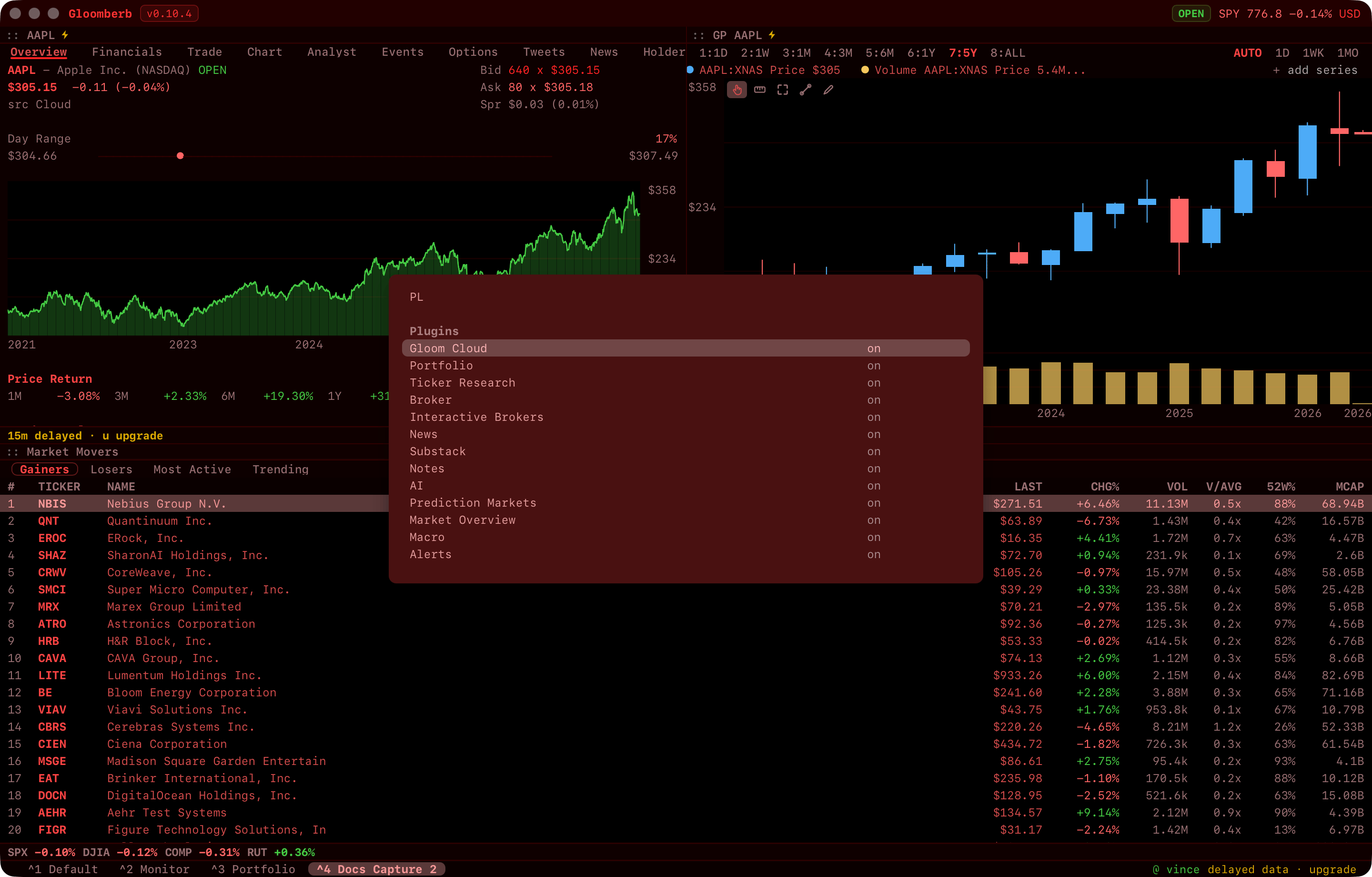
Plugins live in ~/.gloomberb/plugins/. Installs from PL load at once; restart after a CLI install or an edit.
Type the code of an official plugin you do not have, such as POLL or TV, and the command bar offers to install it, then opens it. The web terminal lists where to get it instead.
Not loading? gloomberb plugin doctor <name-or-path> checks the entry, export, id, targets, hosts, and browser build, even for a plugin that failed to load.
Make a minimal plugin
Create hello-gloom/index.ts. It registers one in-app command and one shell command, no dependencies:
const plugin = {
  id: "hello-gloom",
  name: "Hello Gloom",
  version: "0.1.0",
  description: "A minimal Gloom plugin.",
  toggleable: true,

  cliCommands: [
    {
      name: "hello",
      description: "Print a plugin-owned greeting",
      help: {
        usage: ["hello [name]"],
        examples: ["hello Vince --json"],
      },
      execute(args, ctx) {
        ctx.printResult({ data: { greeting: `hello ${args[0] ?? "gloom"}` } });
      },
    },
  ],

  setup(ctx) {
    ctx.registerCommand({
      id: "hello-gloom-command",
      label: "Hello Gloom",
      description: "Show a hello notification",
      keywords: ["hello", "demo"],
      category: "navigation",
      shortcut: "HELLO",
      execute: () => {
        ctx.notify({
          body: "Hello from your plugin.",
          type: "success",
        });
      },
    });
  },
};

export default plugin;
Link the checkout, check it, and run the shell command:
gloomberb plugin link ./hello-gloom
gloomberb plugin doctor hello-gloom
gloomberb hello Vince --json
Restart Gloom, then type HELLO in the command bar. For an interactive pane, copy gloom-hackernews.
Publish to the directory
gloom.sh/plugins lists every public repo tagged gloom-plugin. Add the topic, then describe the plugin in gloom.json at the root:
{
  "id": "hackernews",
  "name": "Hacker News",
  "icon": "icon.svg",
  "tagline": "Hacker News front page, with Show, Ask, New, and Best",
  "description": "Longer copy for the plugin page.",
  "categories": ["news"],
  "targets": ["cli", "tui", "desktop", "web"],
  "hosts": ["hacker-news.firebaseio.com"],
  "contributes": {
    "panes": ["hackernews"],
    "shortcuts": [
      { "code": "HN", "name": "Hacker News", "description": "Top, New, Best, Show and Ask stories." }
    ]
  },
  "minGloom": "0.12.0"
}
The older names still work: the gloomberb-plugin topic, gloomberb.json, and minGloomberb. Where both exist, gloom wins.
| Field | Notes |
|---|---|
id | Required. Repos without one are skipped. |
targets | Where the plugin runs. A plugin that opens a local socket should not claim web. |
hosts | Domains it talks to. |
contributes | What it adds, shown as "What it adds" on its page and in the marketplace: panes (pane ids), capabilities (ids such as asset-data.gloomberb-cloud), broker: true. Built-ins report this from the running app; installable plugins must declare it, or the page says the plugin adds nothing. shortcuts lists the command-bar codes it answers to (code, name, a one-line description): the app offers to install an official plugin when one is typed, and never offers other plugins that way. |
icon | A square .svg, .png, or .webp in the repo, read from the default branch. URLs are rejected. Without one, a glyph is drawn from the categories. |
Nothing is reviewed: the directory is a listing, not a gate. Once a listed repo has a tag, install and update land on a tag, not the default branch, so tag each release.