Start here
Learn Gloomberb by doing
Search a ticker or command, open panes, save the layout. That is the whole model.
Desktop app
Panes, mouse, native windows, saved layouts.
Start on desktopTerminal UI
Same commands and panes in Ghostty, Kitty, WezTerm, or any modern terminal.
Start in the terminal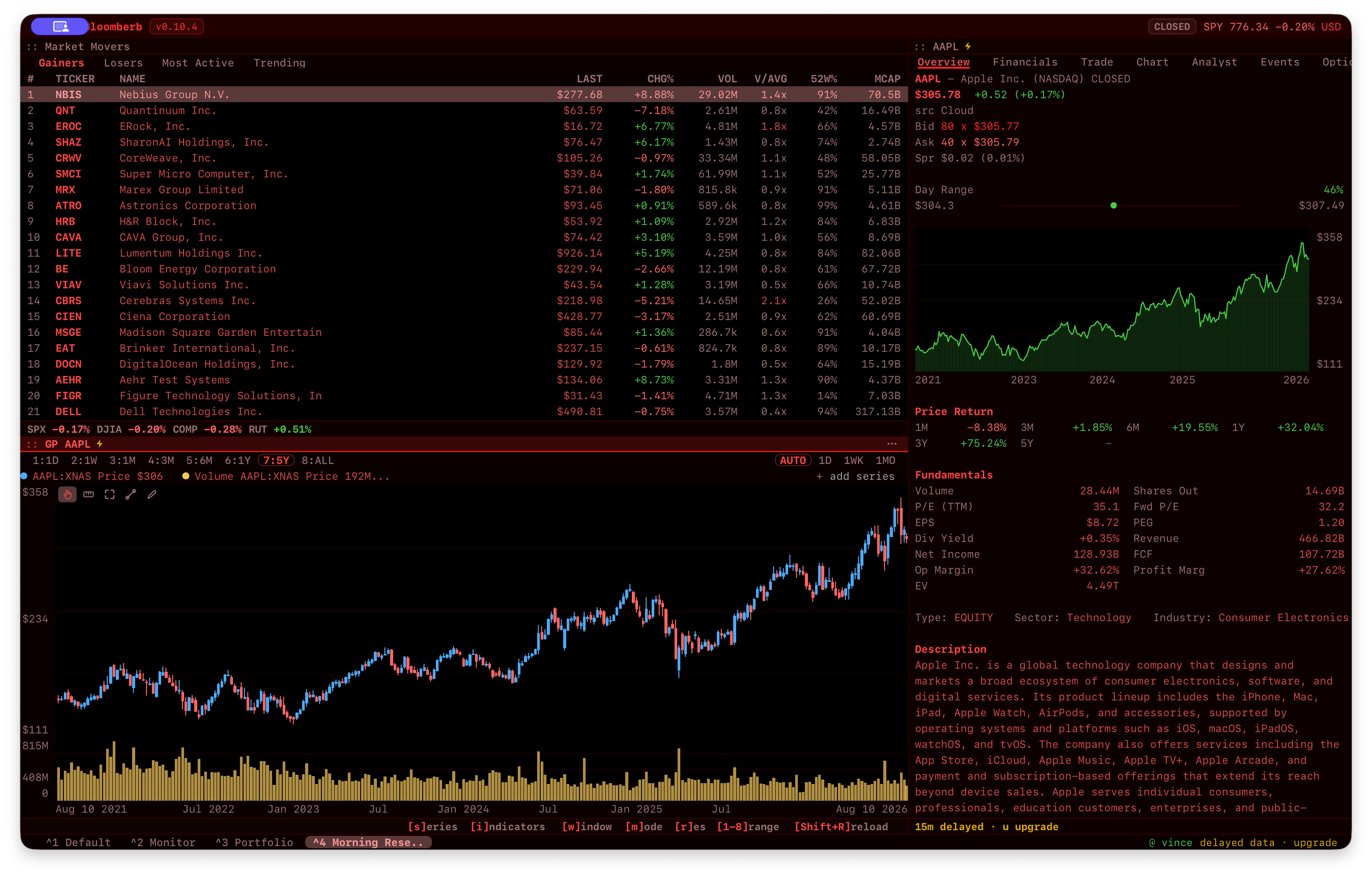
How it works
1 / 3
Find a ticker or command
Backtick searches tickers. Cmd/Ctrl+K searches commands.
2 / 3
Open panes
Every chart, feed, or research view is a pane you can move and resize.
3 / 3
Save a layout
Arrange the panes once. Next time, it is ready.
Pick a goal
Start with a task, not the command reference.