Updated September 27, 2026
AI workflows
Natural-language command help, Ask Gloom, AI screeners, ticker questions, and persistent local agent threads.
Pick the surface
| Surface | Open | For |
|---|---|---|
| Command assistance | A plain-English request in the command bar | Turning intent into exact commands. Needs a verified account. |
| Ask Gloom | ASKG <question>, or the Ask Gloom row in the command bar | Cloud assistant that reads your panes and runs tools. Verified accounts get the standard model, paid Pro the Pro model. |
| AI screener | AI <prompt> | Ticker ideas from an investment theme. |
| Ask AI tab | Ticker research, then Ask AI | Questions with the current ticker as context. |
| Agent workspace | AGENT | Persistent threads that can inspect and operate the app. |
| Headless | gloomberb ai providers, gloomberb ai ask | Provider checks and one-off prompts. See CLI. |
The AI screener, Ask AI tab, AGENT and gloomberb ai need the BYOK AI plugin (gloomberb install gloom-sh/gloom-byok-ai), terminal and desktop only.
Command assistance: known prefixes run as usual; unrecognized queries of three or more characters get suggested commands in the Ask AI group. Without a verified account, you see a signup row instead.
Screen a theme
AI humanoid robot suppliers with improving margins
AI European defense software compounders
AI obesity-drug picks and shovels
You get a reusable tab of candidates with a one-line reason each. Validation checks that symbols resolve; it does not judge the investment. Verify before acting. Pane settings pick the provider and model.
Agent threads
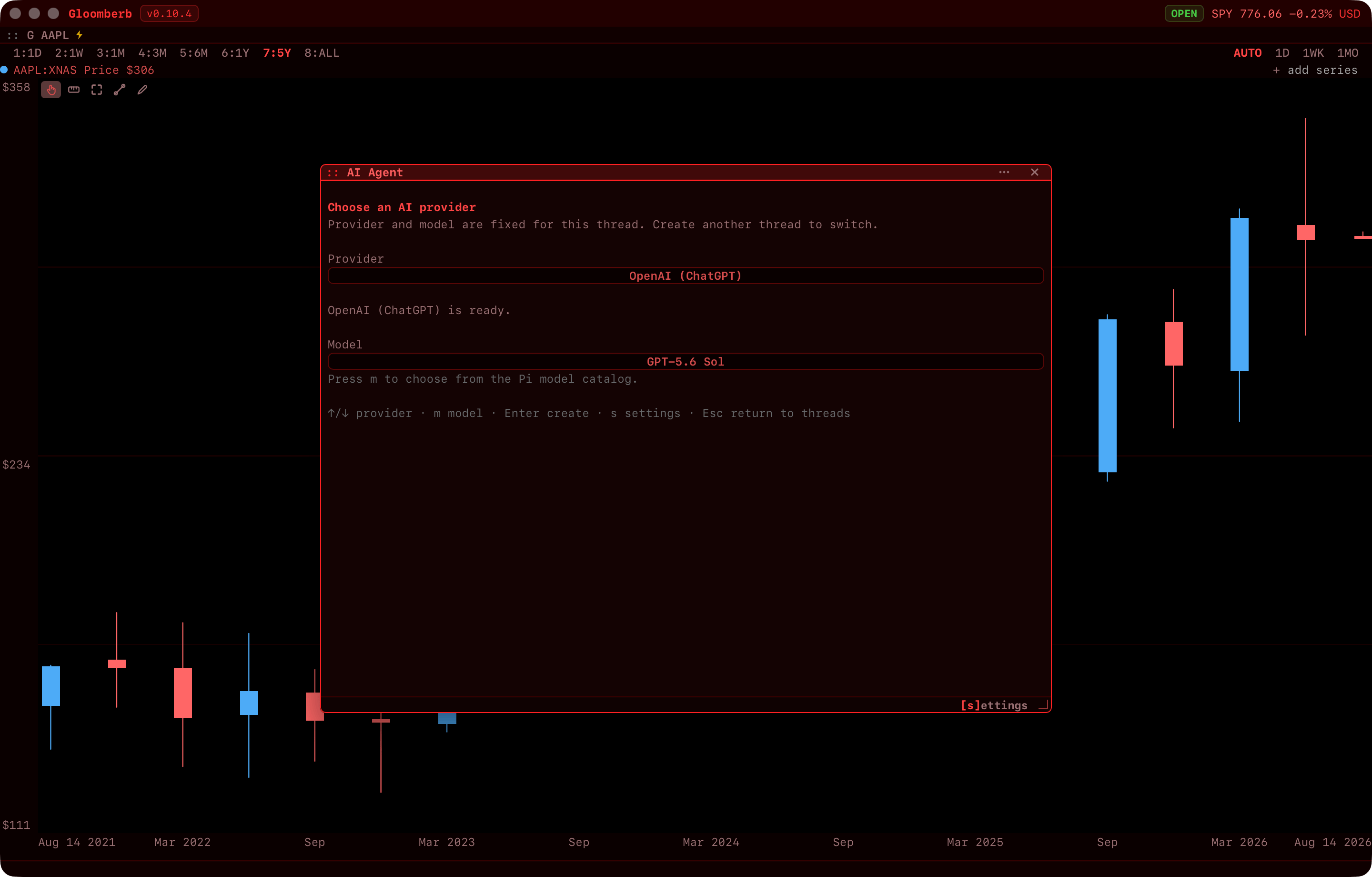
AGENT opens a floating workspace with persistent local threads, each with its own provider, model, conversation, and app context. Threads use the remote-control protocol to read state, open or focus panes, change selections, and call registered operations. Requests run immediately, with no approval step.
Scripts and third-party agents driving a running app: Agents and remote control.
Providers
Claude, ChatGPT, the OpenAI API, Gemini, GitHub Copilot, xAI, and OpenRouter. Connect one from the pane settings (PS); sign-in opens in the browser. Key-only providers read their standard API-key environment variable or the Pi credential store.