Reference
Themes
Pick a theme by its id or name, including color-blind safe and high contrast ones.
Set a theme
| Where | How |
|---|---|
| App | TH in the command bar. Each name shows its id; Enter applies. |
| CLI | gloomberb config set theme colorblind. A name works too: "White Phosphor". |
| List them | gloomberb config themes (--json for scripts) |
Themes
| ID | Name | Look | Note |
|---|---|---|---|
colorblind | Colorblind | dark | color-blind safe |
colorblind-light | Colorblind Light | light | color-blind safe |
high-contrast | High Contrast | dark | high contrast, color-blind safe |
amber | Amber | dark | |
green | Green Phosphor | dark | |
cyan | Cyan | dark | |
red | Red Phosphor | dark | |
blue | Blue Phosphor | dark | |
purple | Purple Phosphor | dark | |
pink | Hot Pink | dark | |
white | White Phosphor | dark | default |
paper | Paper | light | |
github-light | GitHub Light | light | |
solarized-light | Solarized Light | light | |
gruvbox-light | Gruvbox Light | light | |
nord-light | Nord Light | light | |
tokyo | Tokyo Night | dark | |
solarized | Solarized Dark | dark | |
dracula | Dracula | dark | |
nord | Nord | dark | |
monokai | Monokai | dark | |
catppuccin | Catppuccin Mocha | dark | |
gruvbox | Gruvbox Dark | dark | |
rosepine | Rose Pine | dark | |
midnight | Midnight Blue | dark |
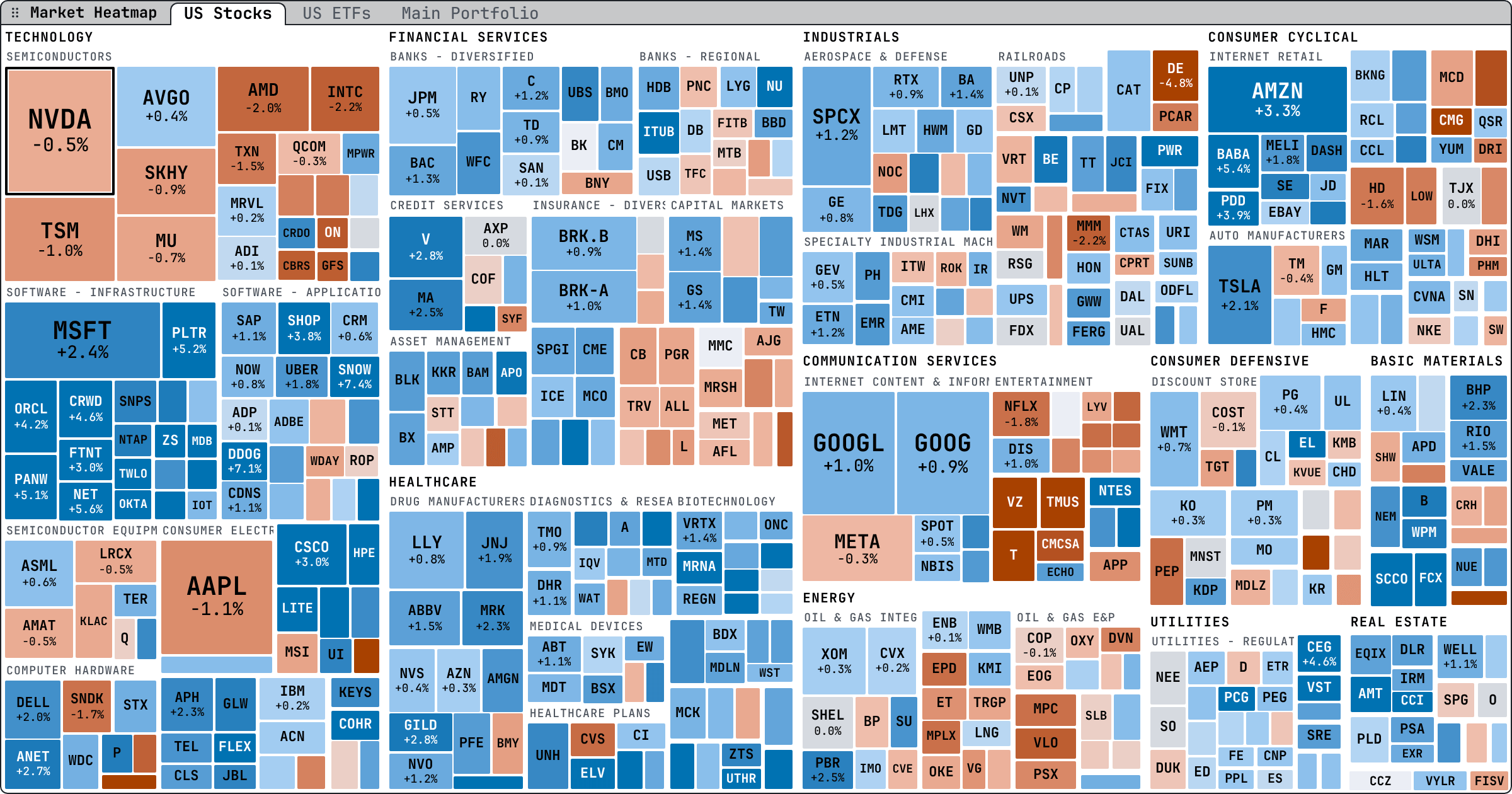
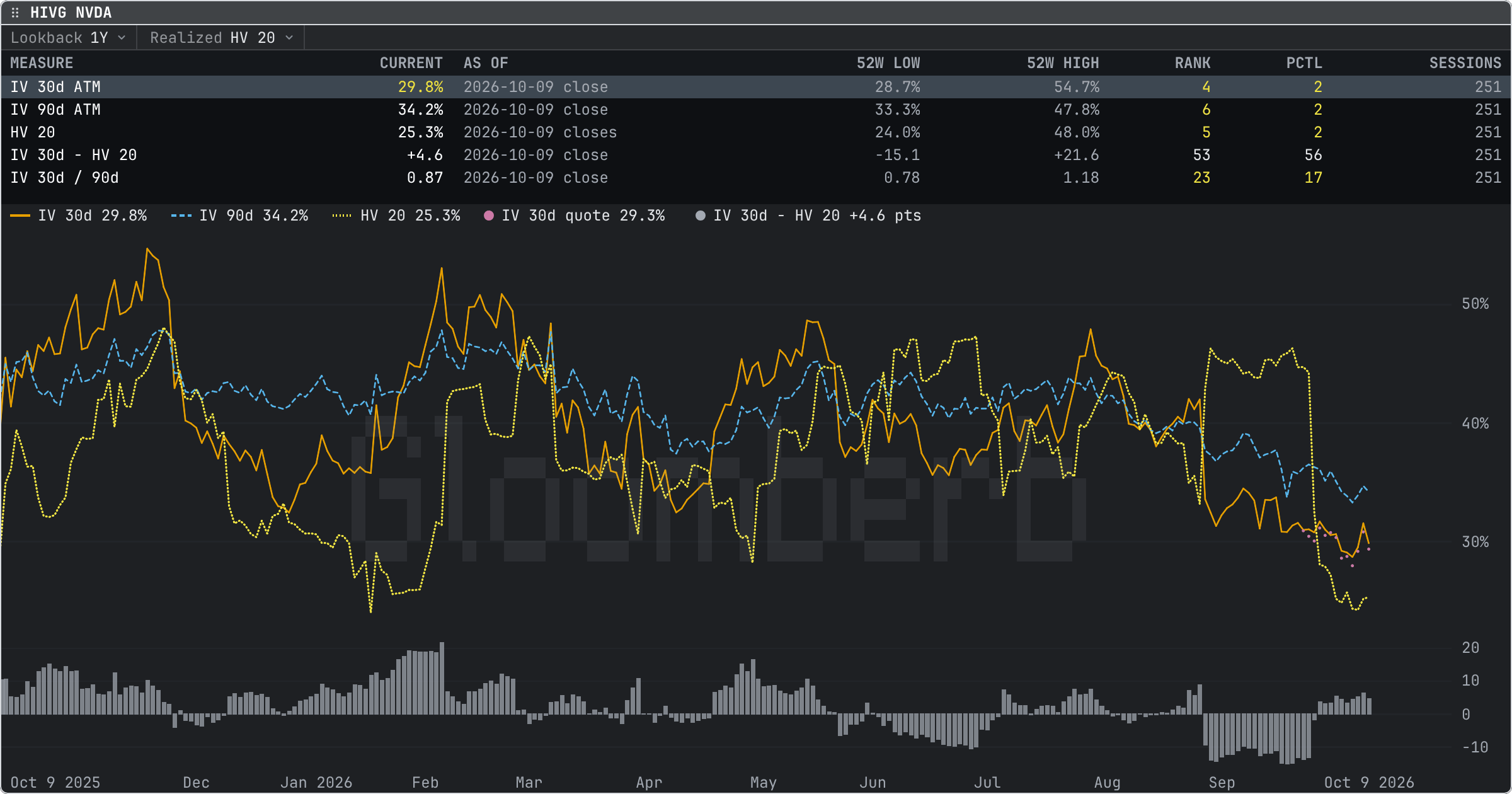
The color-blind safe themes show gains in blue and losses in vermillion, never green against red. In every theme, a chart with several lines draws each with its own dash, named in the legend.